What changed for Meta and Google advertisers in 2026
Both platforms now generate creative inside the ad tools. Google Ads offers video generation with Veo 3.1 (clips of up to 8 seconds from text or images) and image editing with Google's Nano Banana model. Google's AI Max campaign type replaces Dynamic Search Ads, with automatic migration scheduled for September 2026, which means it is happening around now. According to a Google report relayed by JumpFly in April 2026, AI Max campaigns saw an average 7 percent lift in conversions or conversion value at similar CPA and ROAS.
On the Meta side, MediaPost reported in March 2026 that the company is working toward fully automated end-to-end ad creation, including UGC-style avatar videos, AI voiceovers and auto-generated Reels for product catalogs, with a goal of the end of 2026. That is a stated direction, not a finished product, so plan around what is live in your account today.
This article is about producing creative for those two platforms: which formats each placement needs, how to split work between copy and visuals, what to review before anything goes live, and a checklist to use before launch. It does not cover how to design experiments. For that, read our AI creative testing framework.
Placements and aspect ratios to prepare
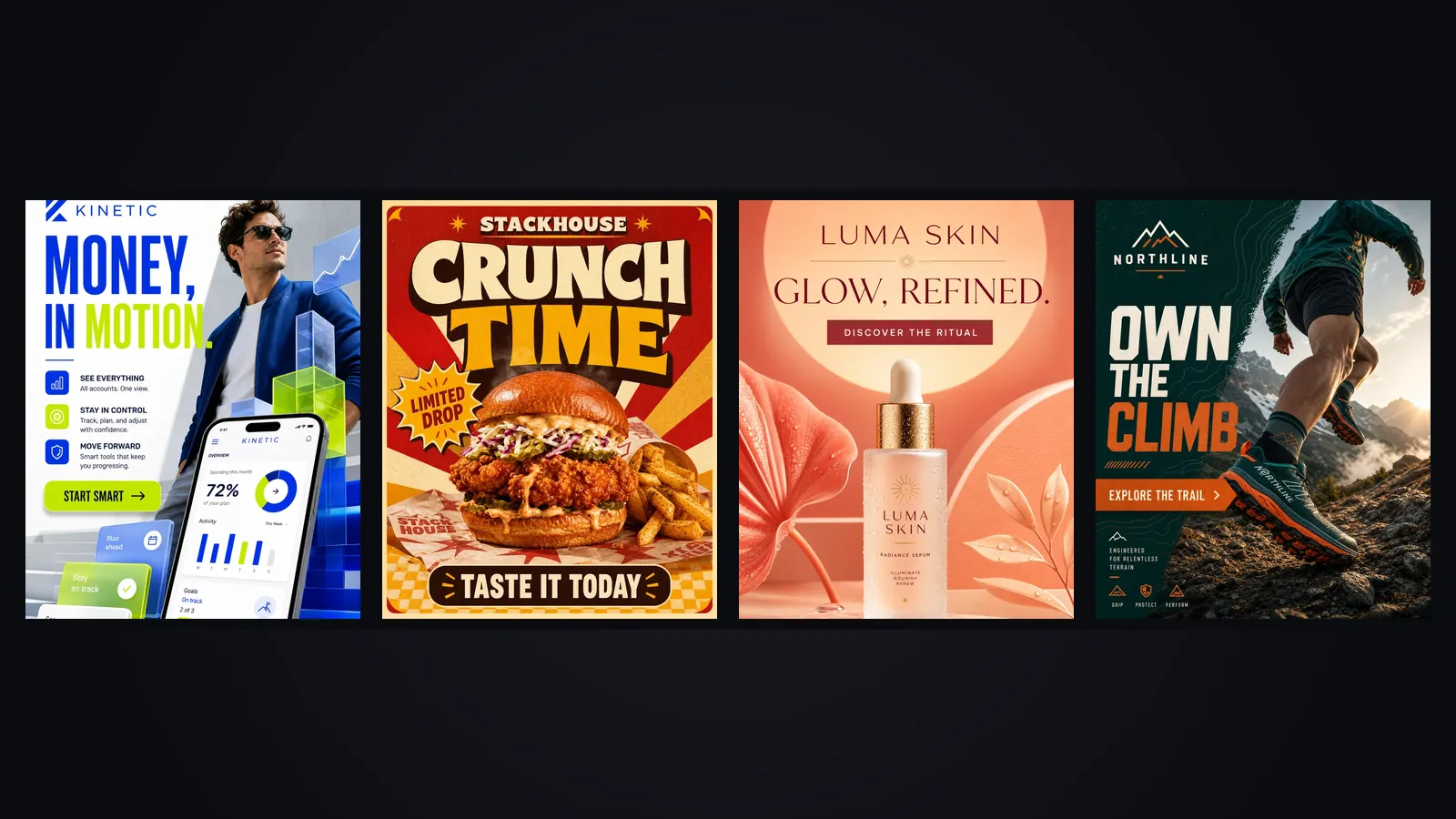
Most rejected or badly cropped ads come from one mistake: a single master file pushed to every placement. Plan a small set of formats up front and generate each one deliberately rather than cropping later. The list below reflects common current specs, but always confirm against the platform's own documentation, since sizes and safe zones change.
- Meta feeds (Facebook and Instagram): 4:5 vertical is the strongest default for images and video. 1:1 still works as a fallback.
- Meta Stories and Reels: 9:16 full screen. Keep text and logos away from the top and bottom edges, where the interface overlays your ad.
- YouTube in-stream and Discovery: 16:9 for horizontal placements.
- YouTube Shorts: 9:16, with the message landing in the first two seconds.
- Google Display and Performance Max image assets: supply wide (1.91:1), square (1:1) and, where offered, portrait (4:5) images so the system can fit every slot.
Veo 3.1 outputs 16:9 and 9:16, which covers YouTube and Shorts and the full-screen Meta placements. For 4:5 feed video you will generate 9:16 and check the crop, or produce a separate vertical edit. Verify each placement in the platform's preview rather than assuming one clip works everywhere.
Meta creative: what to ask the automation for
Meta's tools reward a clean catalog and clear inputs. If your product images are inconsistent, automated Reels built from them will be inconsistent too. Before turning on any automated creative options, standardize the source material: same background style, same lighting direction, product centered with room around it.
Where automation helps
Catalog-driven Reels and simple motion versions of product photos suit large or fast-changing inventories, where hand-making a video per item makes no sense. Voiceovers make localization cheaper, provided a native speaker reviews the result.
Where you still decide
The first frame, the claim and the call to action. Avatar-style videos borrow the look of a creator ad, and audiences may read them as a person recommending your product. Make sure the words do not promise a personal experience the avatar never had. Testimonial-style scripts are safest when they quote real customer reviews you have permission to use.
Google creative: Veo 3.1, image editing and AI Max
Inside Google Ads, an advertiser can turn a product image or a text description into a clip of up to 8 seconds, with synchronized audio (dialogue, ambient sound and effects) in one pass, and Google's Veo 3.1 accepts up to 3 reference images. The 8-second limit is a feature for ads: you must state the point and show the product quickly. Image editing tools let you change backgrounds and produce variants of a product photo while keeping the product itself recognizable, though you must still check that logos, labels and proportions stay accurate.
AI Max deserves separate attention because it changes what you control on Search. Where Dynamic Search Ads built headlines from your pages, AI Max works from your goals, your assets and your landing pages, and it can match searches beyond your keyword list. Your levers are now the quality of your landing pages, the assets you supply, and the exclusions and brand controls you set. If a landing page is thin or contradicts your ad copy, the automation will find and amplify that gap.
- Check that each key landing page states the offer, price or range, and delivery terms plainly.
- Supply varied headline and description assets, each of which makes sense on its own, because the system will recombine them.
- Set brand and location exclusions before the migration finishes, not after you see odd queries.
Who writes what: copy versus visual
Give each layer one job. The visual carries attention and shows the product. The copy carries the specific promise and the next step. Problems appear when the image generator is asked to render the headline and price, since text inside images is still where models slip, and a small misspelling in a price is an expensive error.
- Put in the image: the product, the setting, the mood. Add short text only when it is a fixed brand phrase you can proofread at a glance.
- Put in the platform text fields: price, offer terms, dates, claims and the call to action. They stay editable, searchable and easy to localize.
- Keep consistent between them: the offer in the image must match the offer in the landing page. Mismatch is a policy risk and a conversion problem.
A short sample brief for a fictional bakery, Ridgeway Loaves, running a 9:16 Reels ad: "Sourdough loaf on a floured wooden counter, morning window light, steam rising, no text in the image, 9:16, leave the bottom 20 percent clear for platform interface." The headline, "Baked before 7am, delivered by 10", goes in the ad text field, where it can be checked and changed without regenerating anything.
AI disclosure and brand-safety review
Both platforms have rules about AI-generated and synthetic media, and those rules change. Meta and Google each publish current policies on labeling and on sensitive categories, so read them before launching avatar or realistic-person creative, and again when you enter a regulated category such as health, finance or politics. Where an ad depicts a realistic person or event that did not happen, disclose it or avoid it.
Beyond platform rules, apply your own review. A person should look at every AI-generated asset for distorted hands, garbled text, a product that does not match the real one, unsupported claims, and anything that could look like an endorsement by someone who never gave one. Provenance metadata is also becoming a standard part of this workflow, and our piece on content credentials for AI marketing covers how it works.
Pre-launch QA checklist
Run this list on every ad set before it goes live. It takes ten minutes and catches most expensive mistakes.
- Formats: each placement has its own correctly sized asset, and text sits inside the safe zone.
- First frame: the product or the hook is visible without sound, in the first second.
- Accuracy: product shape, color, logo, label and price match the real item and the landing page.
- Claims: each promise can be supported on request, and nothing implies a medical, financial or guaranteed result.
- Text: spelling and numbers checked by a human, in every language you run.
- Audio: voice, music and effects are appropriate, and captions match the spoken words.
- Disclosure: synthetic people or scenes are labeled where the platform requires it.
- Landing page: loads quickly on mobile, matches the ad and shows the offer within the first screen.
- Brand controls: exclusions, negative placements and brand-safety settings are set.
- Tracking: conversion events fire, and the ad names follow your naming convention so results can be read later.
Putting it into a weekly workflow
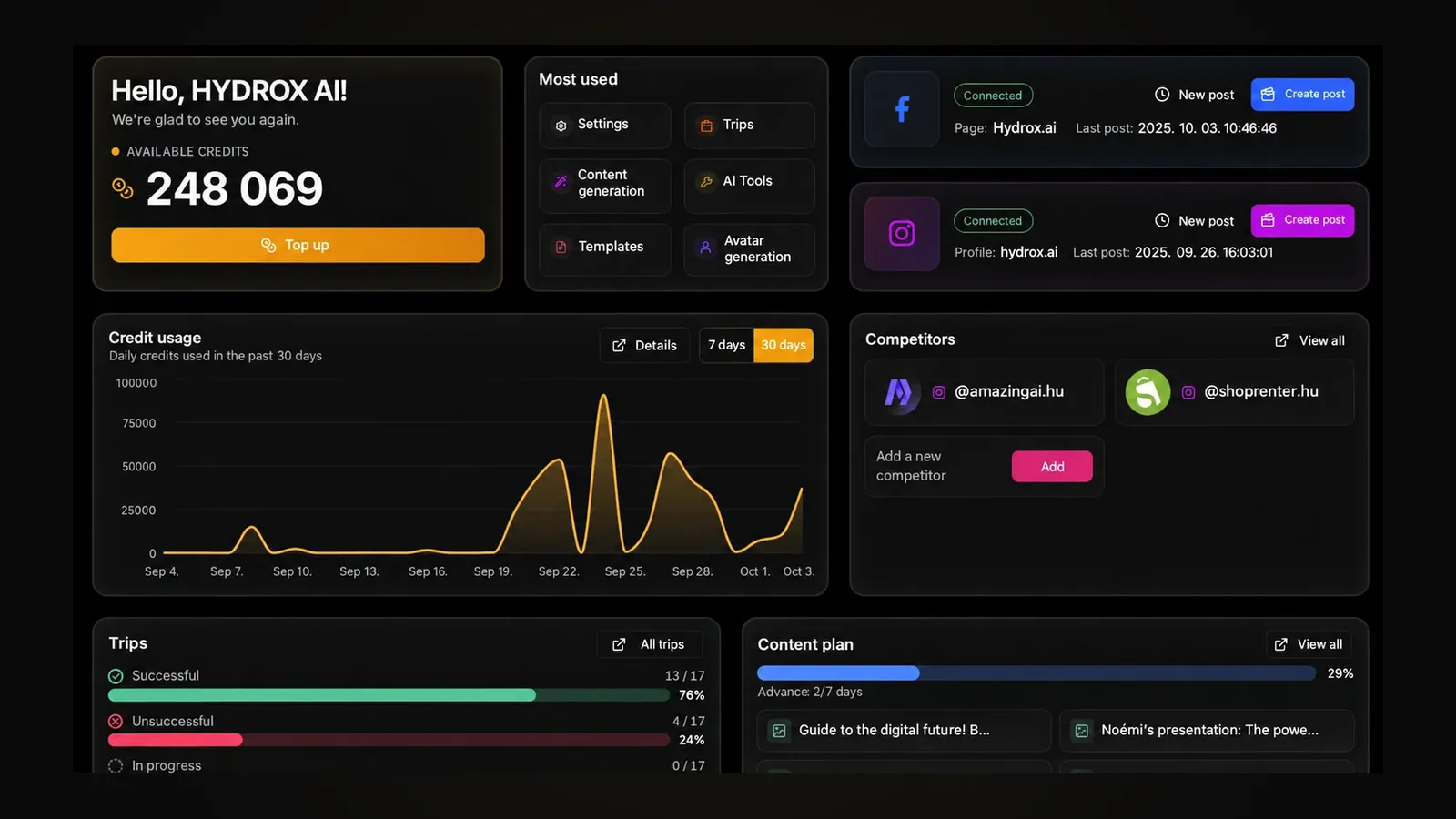
A repeatable rhythm beats a big launch. Keep source photos and brand rules in one place, generate each format from the same brief, run the checklist, then publish. In SEENALYZE AI's ad creation tools you can generate creative for Meta and Google from your brand identity and preview it before it ships, which keeps the review step in the same place as the generation step. Then hand the results to your testing routine.
For video-led campaigns, the AI video generator handles vertical clips from product photos, which you can check against the checklist above. Whatever tool produces the file, the responsibility for the claim stays with you.
Frequently asked questions
Do I have to use Meta's or Google's built-in generators?
No. You can produce creative elsewhere and upload it. The built-in tools save time on simple variants, while external tools give you more control over brand consistency and review. Many teams use both.
Will my old Dynamic Search Ads campaigns disappear?
Google has scheduled automatic migration to AI Max for September 2026. Review your landing pages, assets and brand controls now so the migrated campaigns behave as you expect.
Should AI-made ads be labeled?
It depends on the platform, the format and the content. Realistic synthetic people or events generally call for disclosure. Check current Meta and Google policies before you launch, since they are updated regularly.
Preview your Meta and Google ads
Generate on-brand ad creative for both platforms and review it in one place before it goes live.