Start with the job, then pick the model
Image model comparisons usually rank models on a single imaginary scale of quality. Marketers do not work on that scale. A skincare shop needs a clean product shot on Monday, a sale banner with a legible headline on Tuesday, and a moody campaign visual for a launch on Friday. Different models win on each of those days.
This guide is organized by the work you need done. It covers Midjourney v7, FLUX.2, Ideogram 4, Imagen 4, Adobe Firefly and GPT Image, and it flags where the underlying facts are less certain. Model names, versions and prices change often, so treat the specifics as a mid-2026 snapshot and check each vendor before you commit a budget.
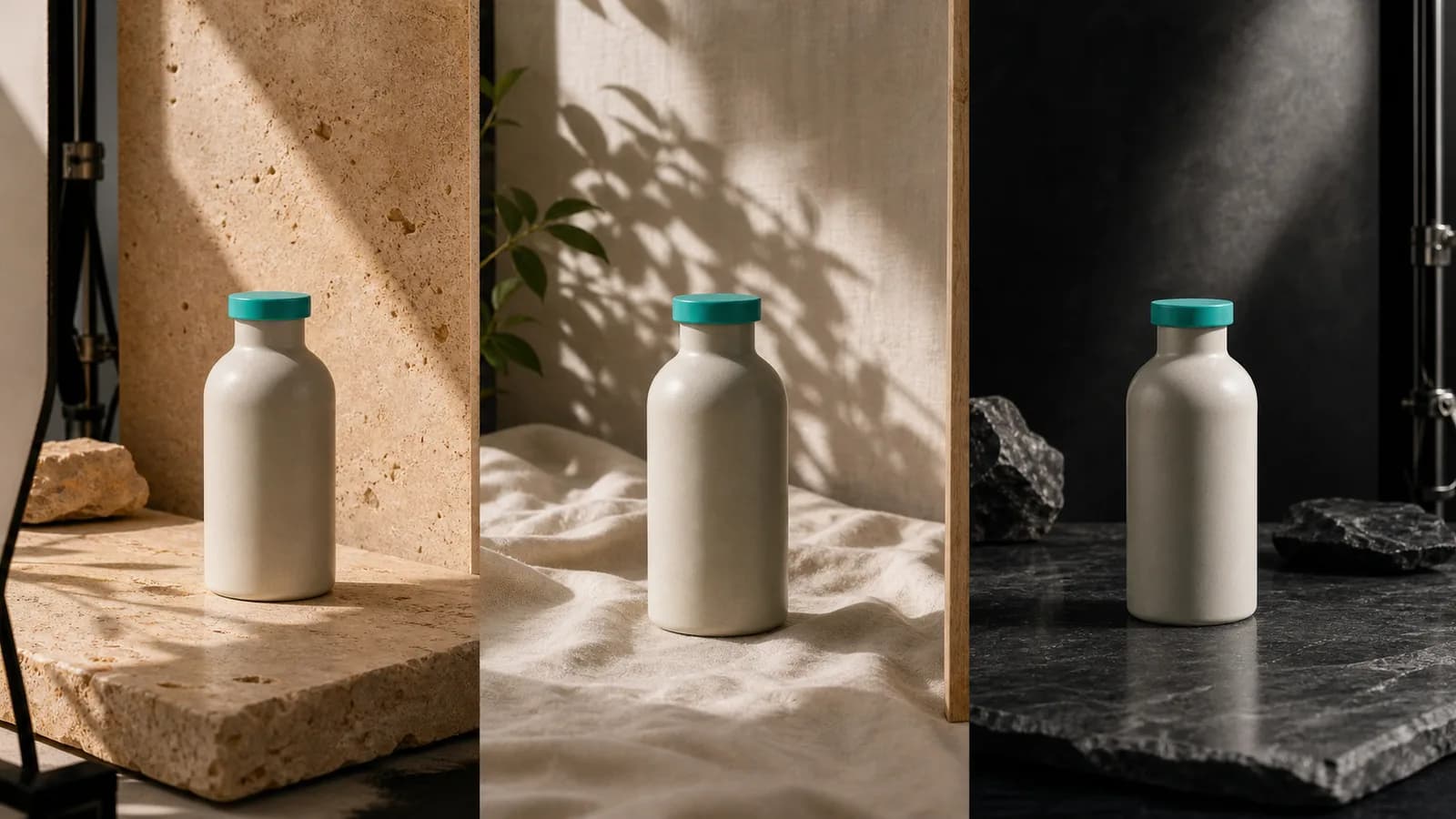
Photoreal product shots
Product imagery has the least tolerance for error. A label that bends, a cap with the wrong proportions or a shadow that points the wrong way makes a shop look careless. Two models are the usual starting points.
FLUX.2 for controlled realism
FLUX.2 [pro] from Black Forest Labs, announced in November 2025, is the strongest all-round pick for product work. It renders photoreal output up to 4 megapixels, accepts up to 10 reference images so you can feed it your real packaging from several angles, and renders legible text reasonably reliably. The pro tier cost roughly $0.08 per image at the time of writing, which makes a batch of 50 test frames a small line item. Open-weight variants ([dev] and [klein]) exist for teams that want to self-host.
Imagen 4 for a natural photographic look
Google's Imagen 4 is often described as having the most natural photographic look, with skin, fabric and daylight that read as a camera rather than a render. Confidence on this one is medium: the claim comes from comparisons rather than a published benchmark, so run your own side-by-side on your own product before you rely on it.
For either model, the reference image does most of the work. A prompt alone will invent a bottle. A prompt plus three photos of your actual bottle will get much closer to it. Shoot those references on a plain surface in even light, with the label facing the camera in at least one of them, so the model has a clean description of what must not change.
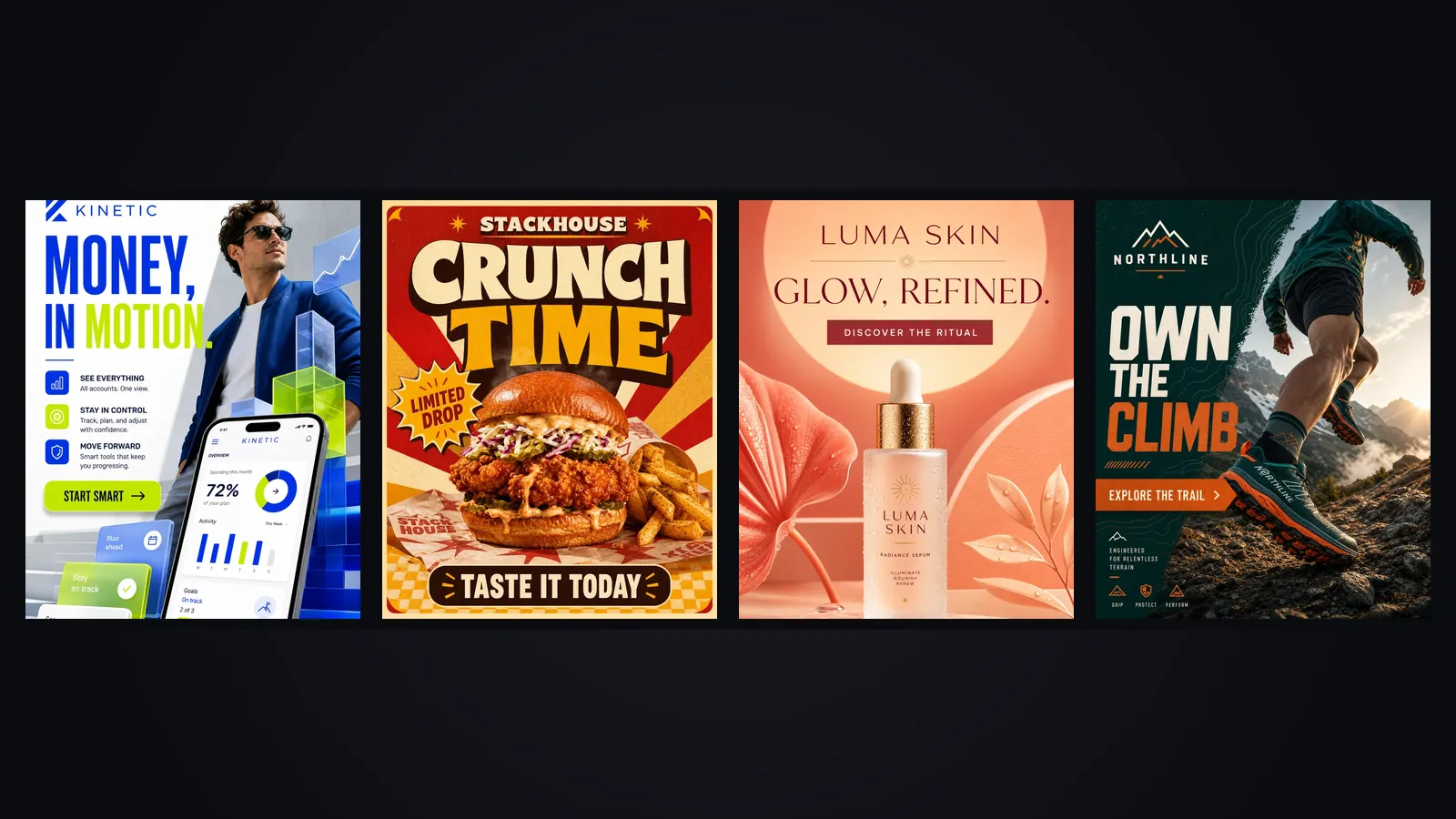
Ads that need words inside the image
If the headline, price or call to action has to sit inside the picture, text rendering decides the shortlist. Ideogram 4 is the model most people mean when they say an image model can spell. It leads on ad copy, headlines, CTAs and social graphics. Its text leadership is well established, though the exact version naming is worth confirming on the vendor's site.
FLUX.2 is the second option and the better one when the image also needs photographic realism. GPT Image from OpenAI is strong at following long, complicated instructions, such as a layout with four separate text elements in named positions. Version naming for GPT Image has shifted, so check what is currently offered.
Midjourney v7 is the one to avoid for this job. It is weak at in-image text, and even a short headline often needs manual correction.
A practical habit: keep on-image copy under about six words, spell it out in quotation marks in the prompt, and still proof every character before publishing. Even the best models occasionally swap a letter. For longer copy, generate the picture without text and add the words as an editable layer afterwards. That approach also makes translation trivial, since the picture never changes.
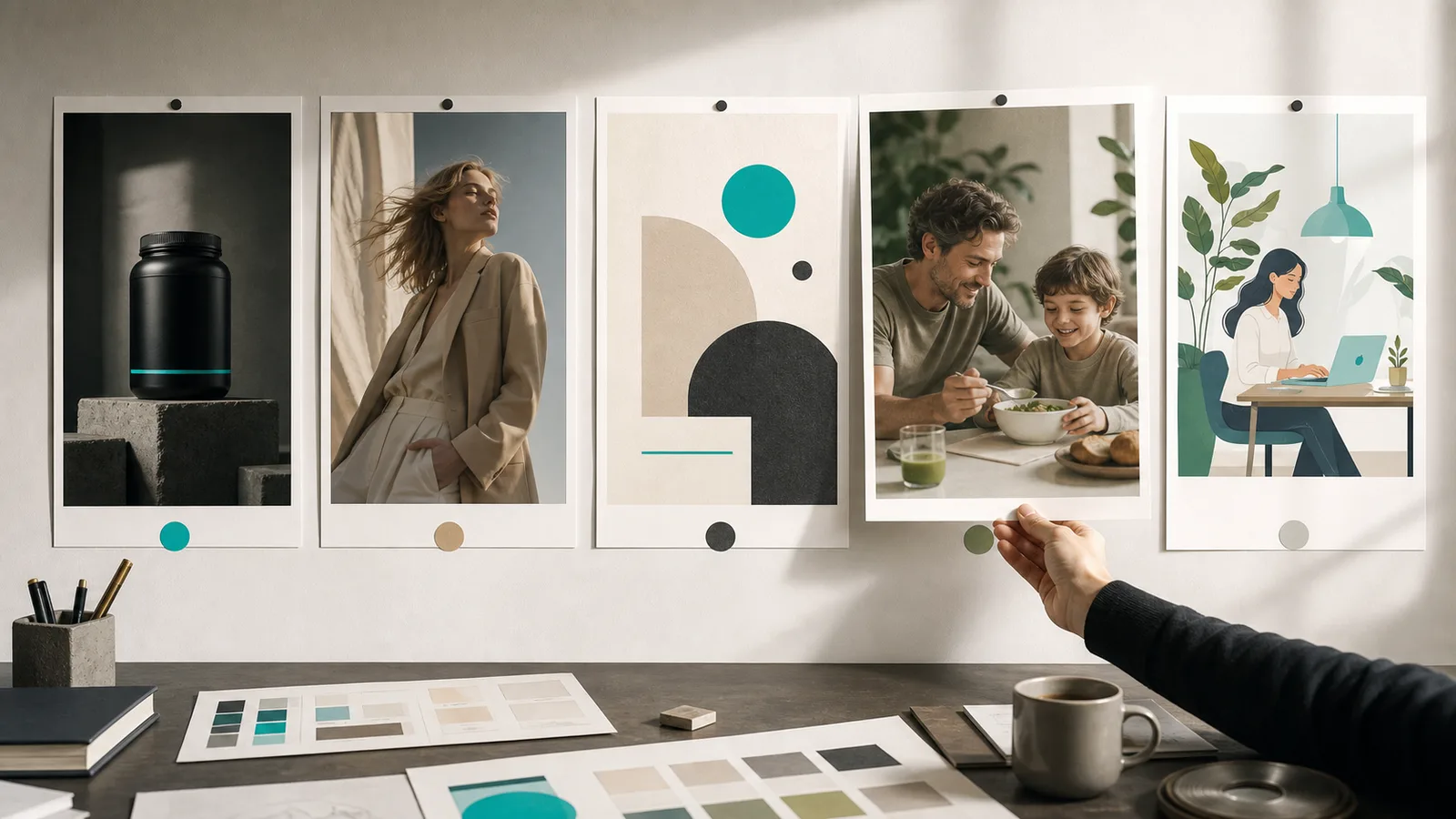
Editorial mood and campaign look
Midjourney v7 is the pick when the goal is atmosphere rather than accuracy. Released in April 2025 and the default since June of that year, it has the strongest artistic and editorial aesthetic of the current group. Draft Mode generates roughly ten times faster, which suits exploring a mood board. Omni Reference helps keep a character or object consistent across frames, and the model has added image-to-video for clips of 5 to 21 seconds.
Use it for campaign concepts, hero art, lifestyle scenes and anything where a viewer should feel something before they read anything. Do not use it for packaging accuracy or copy-heavy layouts.
Commercial safety and licensing
Some brands, especially those with legal review or enterprise clients, care more about where a model's training data came from than about its last few points of realism. Adobe Firefly has the strongest reputation here: it is trained on licensed and public-domain material and sits inside Creative Cloud. FLUX.2 also reports licensed training data.
Safety of training data is one layer. Your own rights still matter: the trademarks in your prompt, the people whose likeness you reference and the terms of the plan you are paying for. Read the commercial-use terms of whichever tier you use, and keep a note of which model produced which asset. Our piece on content credentials and AI marketing covers that record-keeping in more detail.
Match the job to the model
Use this as a first pass, then let a small test overrule it.
- Product on a clean or styled background: FLUX.2 with your packaging as references. Second choice: Imagen 4.
- Headline, price or CTA inside the image: Ideogram 4. Second choice: FLUX.2 or GPT Image.
- Moody hero art or campaign concept: Midjourney v7.
- Complex multi-part layout described in words: GPT Image.
- Client work that needs licensing comfort: Adobe Firefly.
- Self-hosted or cost-sensitive volume: Stable Diffusion 3.x, which has lost mindshare to FLUX.2 but remains in use.
Nano Banana Pro from Google is worth knowing for a different task: iterative, identity-consistent editing of an existing image. Its branding and availability are still shifting, so verify before planning around it.
A sample product-shot prompt
Here is the structure that works across most photoreal models. It names the subject, the surface, the light, the camera and the exclusions, in that order.
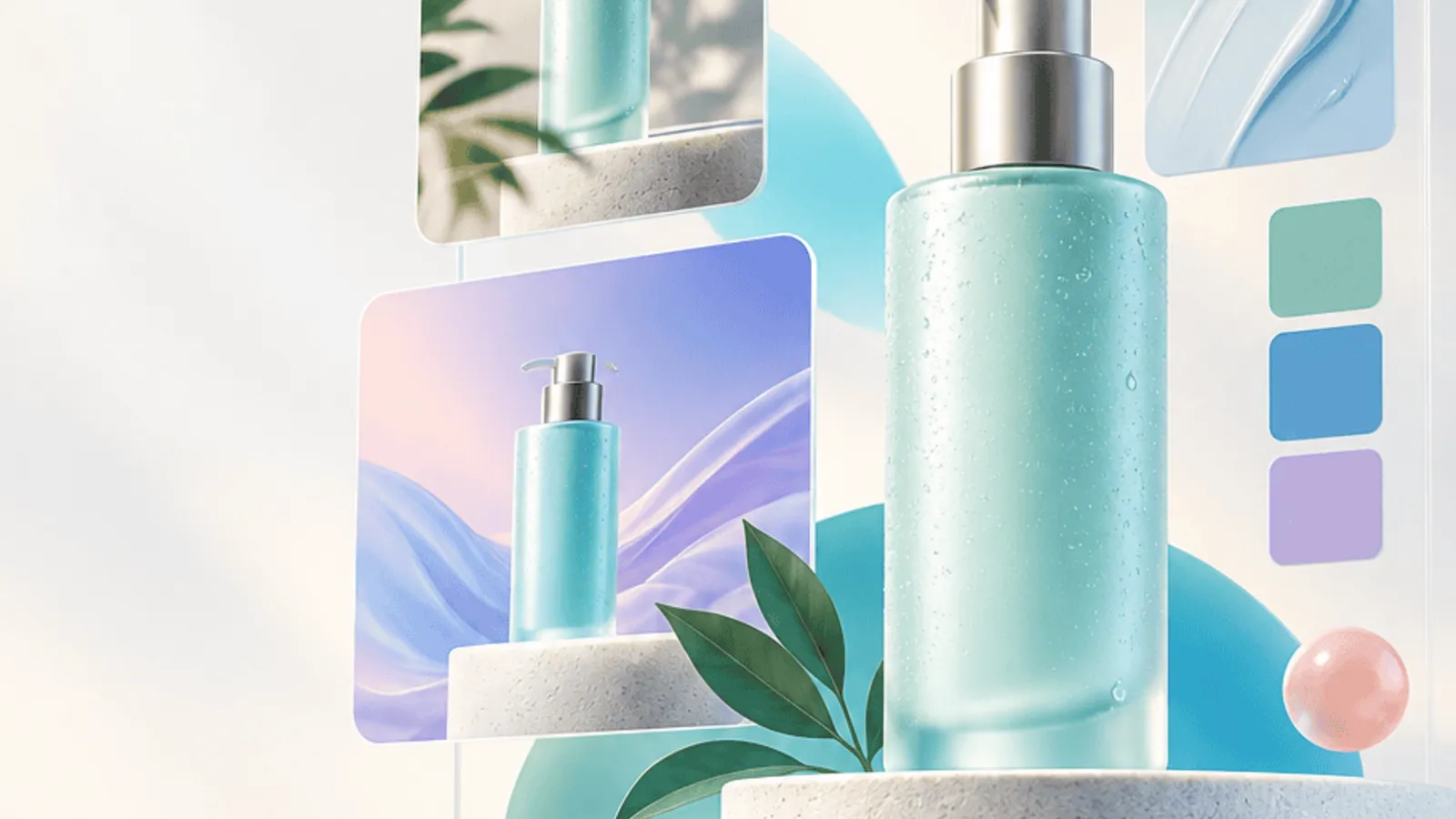
Studio product photograph of the attached frosted-glass serum bottle with the silver pump, centered on a pale travertine block. Soft window light from the left, gentle shadow falling right, a single eucalyptus sprig at lower right. 85mm lens, shallow depth of field, neutral cream background. Keep the label text and proportions identical to the reference. No hands, no extra bottles, no added text.
Notice what is missing: adjectives like stunning or ultra-realistic. Concrete camera and light words do more than praise words. If the first result drifts from your packaging, add a fourth reference photo instead of a longer prompt.
A test that takes one afternoon
Suppose a small candle shop, Ember and Oak, wants a new set of product shots and has a budget of about $30 for testing. The owner picks the three finalists from the list above, uses the same five prompts and the same three reference photos on each, and generates four variations per prompt. That is 60 images.
She then scores each image on four questions: is the label correct, does the flame and glass look plausible, does the lighting match her existing feed, and would she post it without editing. Whichever model has the most yeses becomes the default for product work. A different model may still take over for banners and mood pieces. Nothing about this requires a single winner.
If you would rather test inside a workspace built for it, the AI image generator in SEENALYZE AI puts generation, layers and brand settings in one place, and the guide to on-brand image editing shows how to fix the results that come back almost right.
Frequently asked questions
Which AI image generator is best for product photos?
FLUX.2 is a strong default because of its photorealism and its support for up to 10 reference images. Imagen 4 is a credible alternative for a natural look. Test both on your own product.
Which model handles text in images best?
Ideogram 4 is the leader for headlines, CTAs and social graphics. FLUX.2 and GPT Image are decent second options. Always proofread the output.
Can I use AI images commercially?
Usually yes, but the terms depend on the model and the plan. Adobe Firefly and FLUX.2 both emphasize licensed training data. Read the current terms and keep a record of how each asset was made.
Do I need more than one model?
Most teams end up with two: one for realistic product work and one for text-heavy or mood-driven pieces. Picking by job avoids forcing one model to do everything.
Test image models on your own product
Generate on-brand product shots and ad visuals, then refine them with layers and region edits in one workspace.