What changed in AI video since 2025
Twelve months ago, adding sound to an AI clip meant a second tool, a second export and a lot of nudging on the timeline. As of early 2026, four of the six major video models generate synchronized audio natively, and none did in early 2025. Every serious commercial model now outputs at least 1080p. Those two shifts explain why the shortlist for a social team looks different this year.
This comparison covers Veo 3.1, Kling 3.0, Runway Gen-4.5, Seedance 2.0 and Adobe Firefly Video, with Pika 2.2 and Luma Ray3 flagged where our confidence is lower. Sora belongs to the history section: its API ends on 24 September 2026, and its competitors absorbed most of what it taught the market.
How to compare video models for social content
Most comparison posts rank models by a single quality score. For a brand posting to Reels, TikTok and Shorts, that score hides the decisions that actually cost you time. Five questions do more work than any leaderboard.
- Audio. Decide whether the clip needs sound, dialogue included, or whether you will add music and voiceover afterward.
- Resolution. Note what you publish at, and whether anyone upscales the file downstream.
- Control. Decide how much say you need over camera, motion and shot order.
- Speech. List whether a person talks on camera, and in which languages.
- Provenance. Check whether you can show a client or a platform reviewer that the training data was licensed.
The sections below follow those five questions. Most teams will find that one question dominates their workflow, and that the dominant question picks the tool.
Native audio: Veo 3.1 and Seedance 2.0
Veo 3.1 generates dialogue, ambient sound and effects in a single pass, at 1080p and 24 frames per second, in 16:9 and 9:16. It accepts up to three reference images and can extend clips past 60 seconds inside Google Flow. Google has also built Veo into the Google Ads interface, where you can produce clips of up to eight seconds from text or an image. If your end goal is a Google campaign, that integration removes an export step.
Seedance 2.0, released by ByteDance on 12 February 2026, unifies audio and video generation and is wired into TikTok's Symphony Creative Studio, which adds AI-disclosure labels automatically. For a team that publishes mainly on TikTok, the built-in labeling matters more than a benchmark point or two.
Kling 3.0 also produces native audio, so the pattern holds across the top of the market. According to Wyzowl's 2026 survey, 63% of video marketers already use AI tools, so audio quality is quickly becoming the difference your audience notices. The practical test is not whether audio exists but whether it survives a muted-first feed: generate a clip, watch it with captions only, then with sound, and see which version you would post.
Resolution and clip structure: Kling 3.0
Kling 3.0, released by Kuaishou on 4 February 2026, outputs native 4K (3840 by 2160) at 30 frames per second, the highest native resolution among the majors. It also offers a Multi-Shot Storyboard that plans three to twelve shots in one generation, and it topped text-to-video leaderboards in mid-2026.
Social platforms compress hard, and a phone screen rarely shows more than 1080 by 1920. Native 4K earns its keep in three situations: you crop into a wide shot to create a second vertical framing, you repurpose the clip for a website hero or a screen in a shop, or your client asks for masters. If you only publish to feeds, the storyboard feature is the more useful half of this release.
Control: Runway Gen-4.5 and reference-driven direction
Runway Gen-4.5 is the tool for people who want to direct. It offers a motion brush and frame control, renders at native 1080p with a 4K upscale, supports many aspect ratios and extends clips to roughly 40 seconds. It is also available as a partner model inside Adobe Firefly, so teams already in Creative Cloud can reach it without a new account.
Veo 3.1's three reference images and Kling's storyboard are lighter forms of the same idea. Pick Runway when a shot fails for a specific, describable reason: the camera should move left, the product should stay still, the hand should enter at the second beat. Pick a prompt-first model when you want variety and can accept whichever take comes back.
Lip-sync and multilingual video: Seedance 2.0 and Pika 2.2
Seedance 2.0 handles phoneme-level lip-sync across more than eight languages, which changes the economics of a founder-to-camera video. One script can become six localized versions without six shoots. Check every language with a native speaker before publishing, because a mouth that matches the audio is not proof that the translation sounds natural.
Pika 2.2 takes a different route, with social-first effects such as Pikaffects, Pikaswaps, Pikadditions and Pikaformance, which covers lip-sync. Our confidence in the Pika details is medium, so verify the current feature set on Pika's own site before you build a workflow around it.
For a longer look at multilingual production, see our guide to multilingual AI content marketing.
Commercial safety: Firefly Video and the Luma Ray3 caveat
Adobe Firefly Video is trained on licensed and public-domain material and sits inside Creative Cloud. If you work for regulated industries, large retailers or agencies whose clients ask about IP indemnity, that provenance is the feature. It may not top a leaderboard, and for some brands that is an acceptable trade.
Luma Ray3 claims the first native 16-bit HDR video, which would matter for color-critical product shots. That claim carries medium confidence in our notes, so treat it as something to test with your own footage rather than a settled fact.
Where every model still falls short
Three weaknesses show up across all of them, and they matter more for brands than for hobbyists. Small printed text on a label or a package tends to drift between frames, so a legible logo in the first second can be a smear by the fifth. Hands and product handling are better than a year ago but still fail often enough that you should plan for retries. And clips stay short: even with extension features, the best results usually come from stitching several eight-second shots rather than asking for one long take.
Plan around these limits instead of hoping the next release removes them. Keep hero text and logos out of the generated clip and add them as overlays in your editor. Shoot or generate the product shot separately from the person. Treat every clip as a draft that a human approves.
A one-afternoon test plan
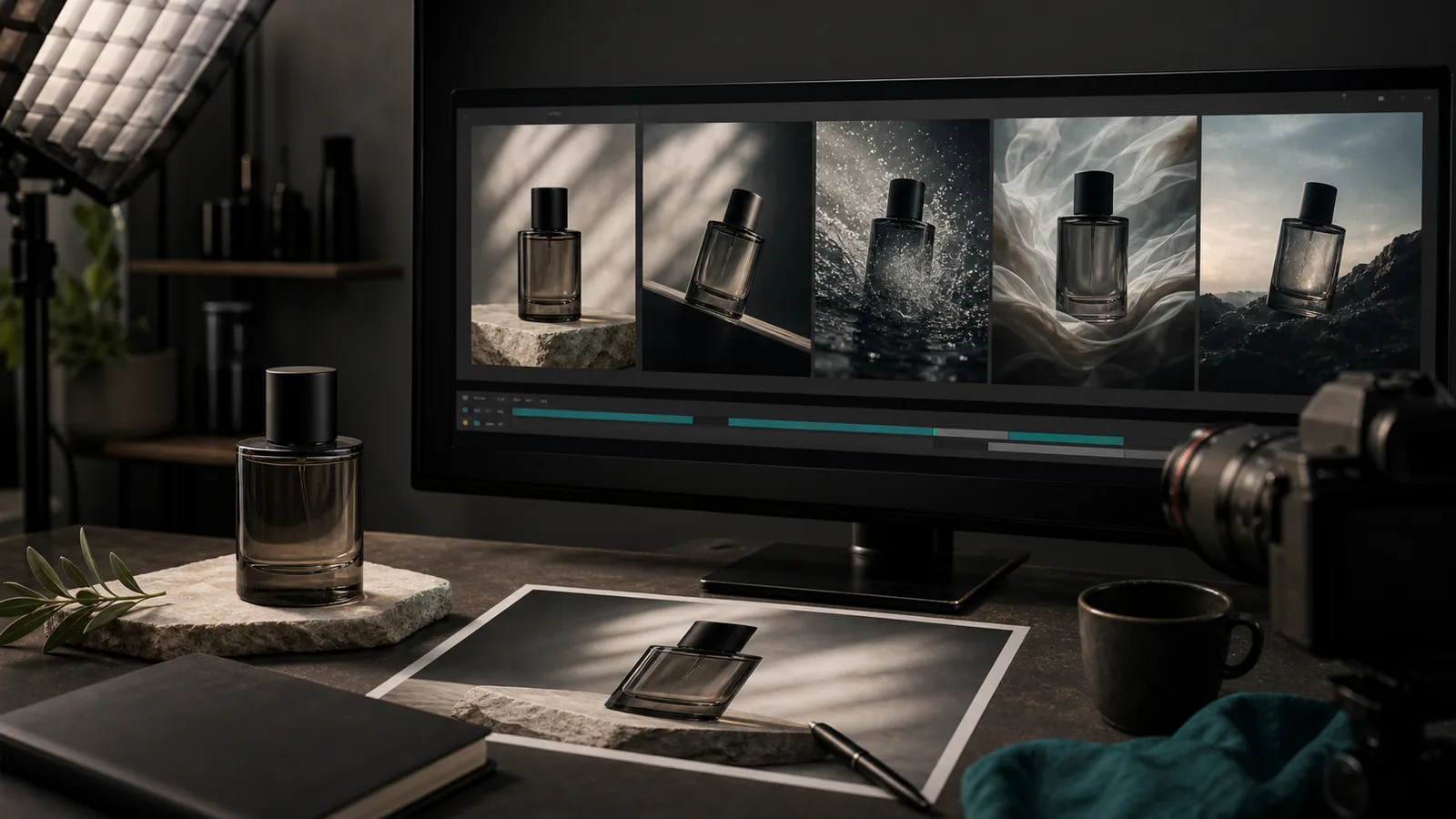
Take a fictional skincare shop, Fern & Clay, with a budget of roughly 100 dollars for testing and one afternoon. The owner writes three briefs of eight seconds each, all vertical, all for the same 30 ml serum.
- Brief one: a slow push-in on the bottle on a wet stone, water droplets, soft ambient sound.
- Brief two: a hand pumps the serum onto a wrist, close macro, no dialogue.
- Brief three: a woman says one line, "Two drops, morning and night," in English and in German.
She runs each brief through every model she can access, three takes per brief, and scores each take on a 1 to 5 scale for label accuracy, motion realism, audio fit and how many takes she needed. Any clip that warps the label or the bottle shape scores zero for accuracy, no matter how pretty it looks. Before the session she sets pass marks so she does not talk herself into a favorite: at least 4 out of 5 on label accuracy, no more than three takes per usable clip, and audio she would be happy to post with sound on. After 27 takes she has data that a leaderboard cannot give her: which model keeps her label legible, and which costs her the fewest retries.
Decision guide by use case
Use this list as a starting point, then let your test results overrule it.
- Google Ads video and quick 8-second product clips: Veo 3.1, because of the built-in Google Ads integration and native audio.
- TikTok-first brands with speaking presenters: Seedance 2.0, for lip-sync and automatic AI-disclosure labels.
- Agencies delivering masters or repurposing to screens: Kling 3.0, for native 4K and multi-shot storyboards.
- Shots that need specific camera or motion direction: Runway Gen-4.5, for motion brush and frame control.
- Clients who ask about training-data licensing: Adobe Firefly Video.
- Effects-heavy, playful social clips: Pika 2.2, after verifying the current feature set.
You will probably use two models, not one. Many teams pair a prompt-first model for volume with a control-heavy one for hero shots. If you would rather not juggle accounts, the AI video generator in SEENALYZE AI lets you draft clips and send approved ones to your connected channels. For script-first videos, start with our small-business text-to-video playbook; for product stills, see turning photos into video ads.
Test a video model on your own product
Draft short vertical clips from your product photos or a written brief, then schedule the approved ones to your connected channels.