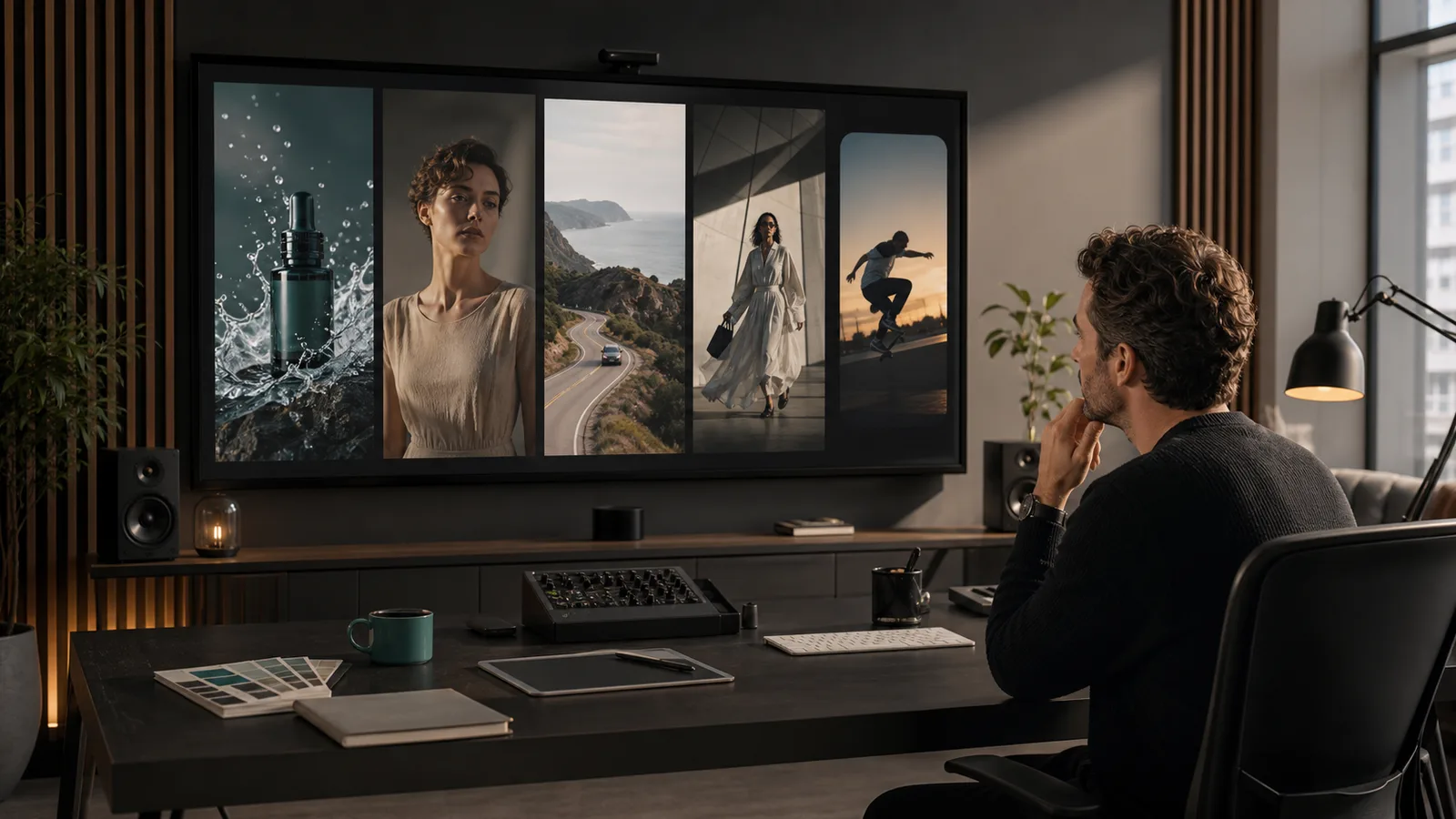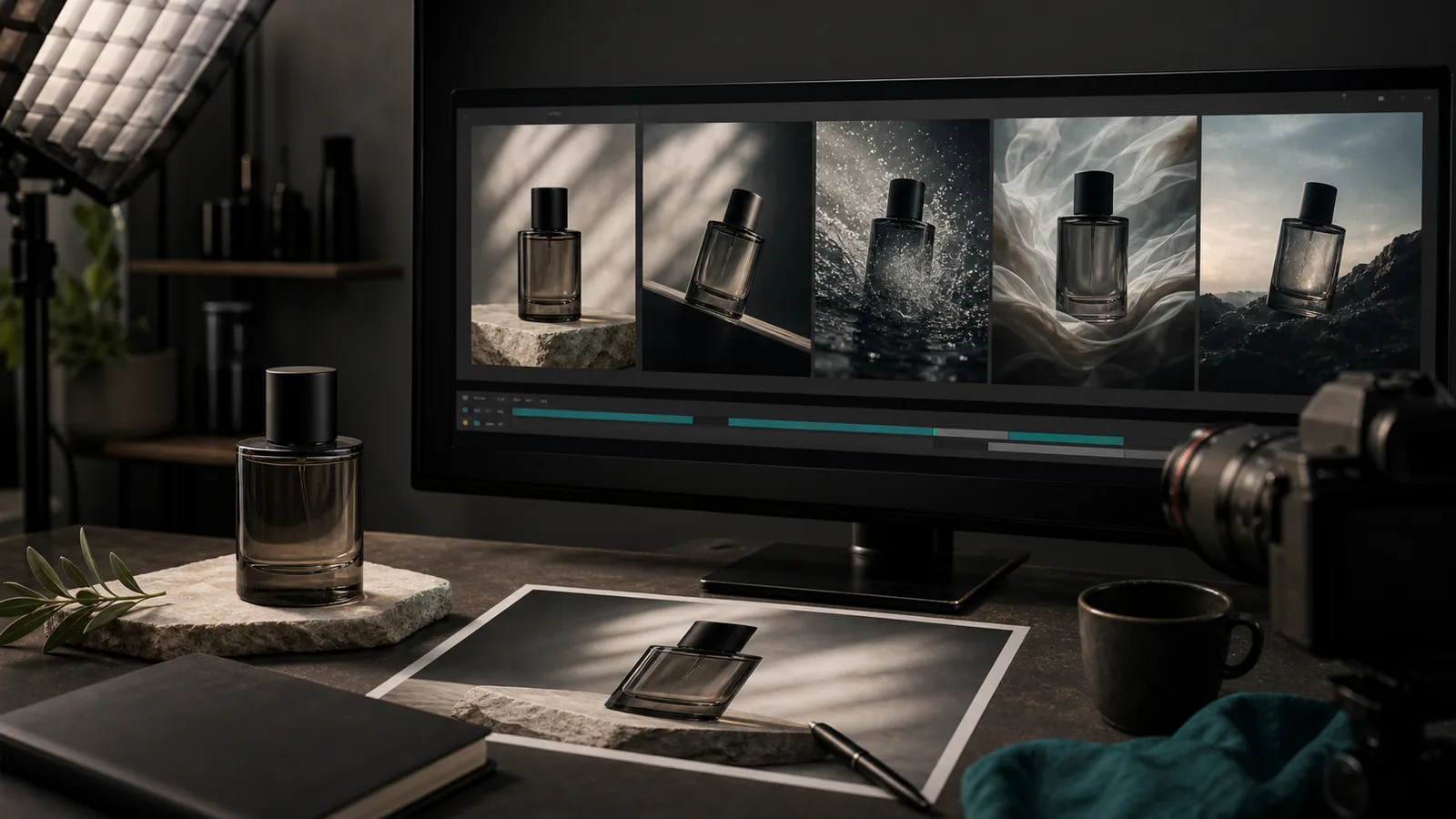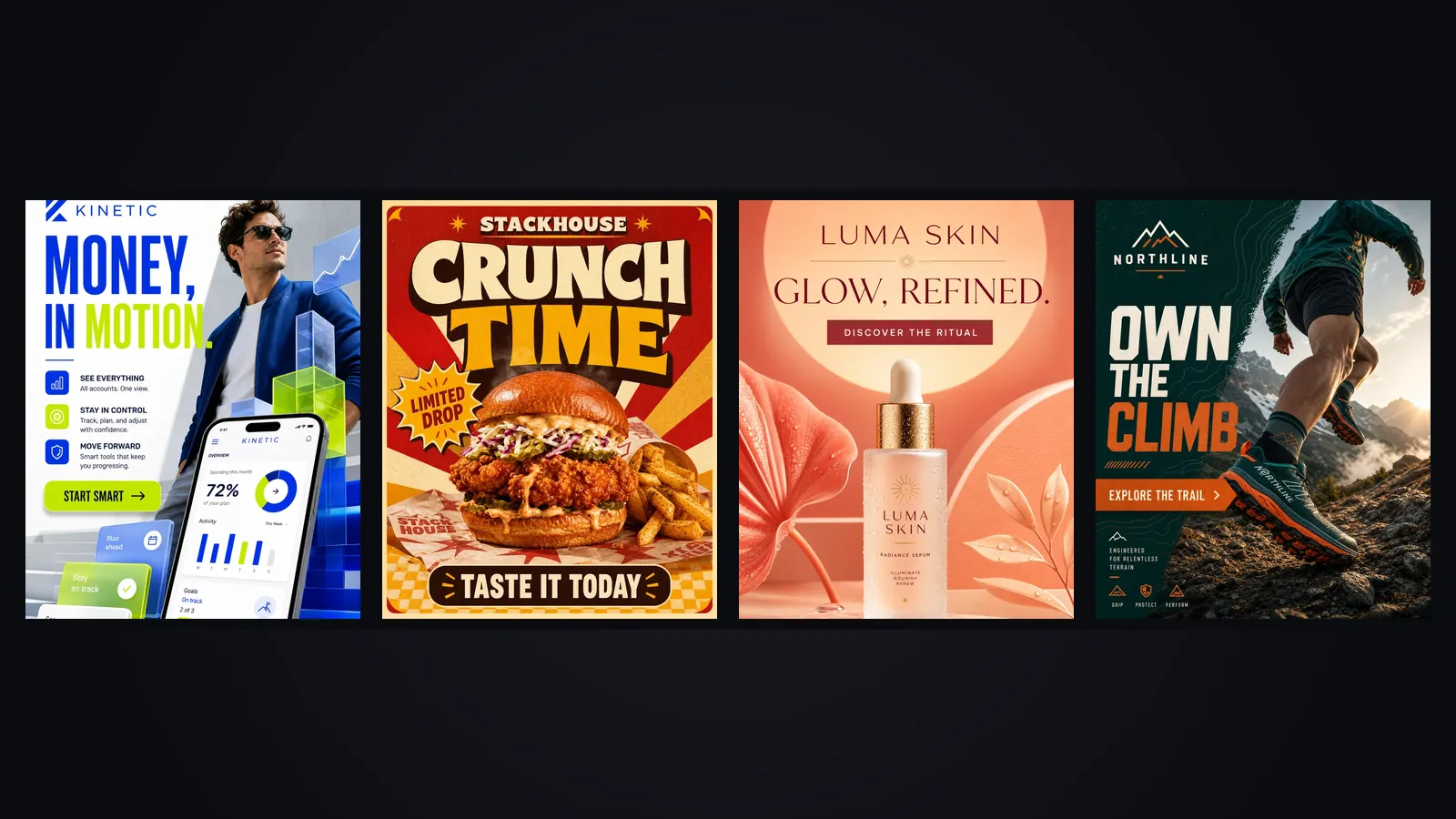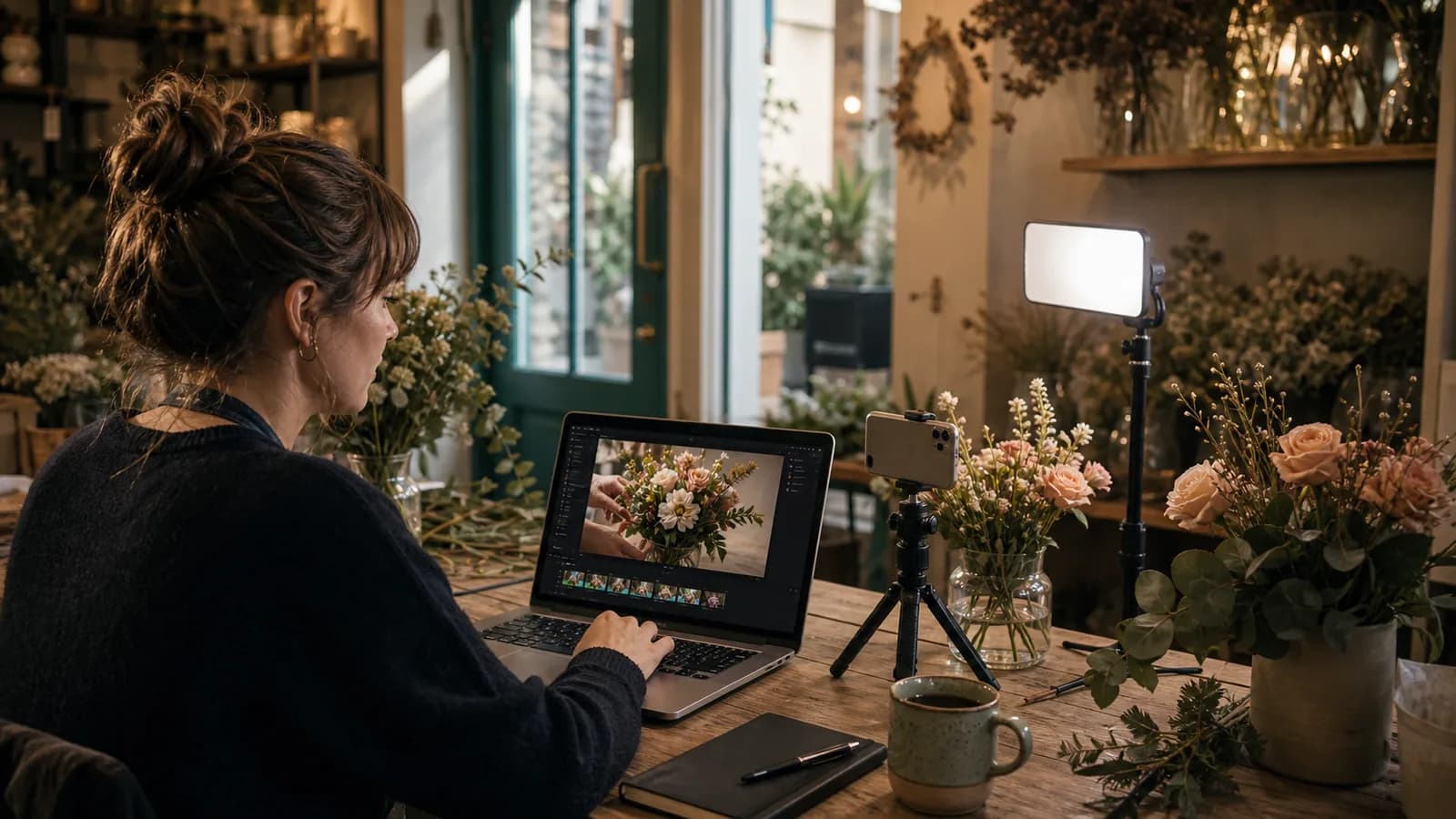
Why short vertical video suits a small shop
A small business does not need a film crew. It needs eight seconds of something worth watching, posted on a schedule it can keep. The numbers back the effort. According to Wyzowl's 2026 research, 91% of businesses use video, and HubSpot's 2026 report says 21% of marketers rate short-form video as their highest-ROI content. Google Business data adds that YouTube Shorts ads deliver a 2.3 times higher long-term return on ad spend than paid social.
Text-to-video tools now make the production side realistic for a team of one. The hard part has moved from filming to planning, which is what this playbook covers.
Pick three recurring formats before you write anything
The most common mistake is treating every video as a fresh creative problem. A repeatable format cuts the planning time to almost nothing and teaches your audience what to expect. Choose three and rotate them.
Formats that work for local businesses
- The process clip. A short look at how something gets made, from dough to loaf or from stem to bouquet.
- The product close-up. One item, one movement, one sensory detail, such as steam, texture or a pour.
- The one-line answer. A question customers ask constantly, answered in a sentence over a matching visual.
The formats change with the trade, but the logic does not. A plumber might rotate a before-and-after repair, a common mistake explained in one line, and a tool of the week. A skincare shop might rotate a texture close-up, an ingredient explained, and a routine in three steps. In each case the third format leans on words, so it also works when the visuals are simple.
Write the three formats on an index card and stick it above your desk. Every new idea has to fit one of them, or it waits.
Write an eight-second script
Eight seconds is enough for three beats. Spend the first two seconds on the hook, the next four on the action, and the last two on a payoff or a single line of text. Write it in plain sentences, as if you were describing the clip to a friend on the phone.
A working example for a bakery: Hook: a hand slices into a warm sourdough loaf. Action: steam rises, the crumb is open and glossy. Payoff: text on screen, "Out of the oven at 7 a.m." Nothing in that script needs a second location, a second person or a special effect.
Read the script aloud with a stopwatch. If it runs past eight seconds, cut a beat rather than speeding up the delivery. A script that feels slightly too short usually plays well, because the loop restarts quickly and viewers often watch a second time.
Turn the script into shot prompts
A text-to-video prompt works best when it names the subject, the camera move, the light and the sound in that order. Vague prompts get generic clips. A specific prompt tells the model what to hold constant.
Sample prompt: Vertical 9:16, close-up of a bread knife slicing a warm sourdough loaf on a wooden board, steam rising, soft morning window light, slow push-in, quiet kitchen ambience, no text in frame. Notice what is absent. There is no brand name and no printed logo, because generated text drifts between frames. Add those later as overlays.
A prompt template you can reuse
- Subject: what is on screen, in one concrete noun phrase.
- Action: the one movement that happens, such as slicing, pouring or unfolding.
- Camera: push-in, pan, overhead or static, and the framing.
- Light and setting: time of day, surface, background.
- Sound: ambient noise, or silence if you plan to add music.
- Exclusions: no text, no logos, no extra people.
Change one element at a time when a take disappoints. If you rewrite the whole prompt, you cannot tell which change helped.
If you want to compare the models behind these tools, our guide to the best AI video generators for social media explains where each one is strong. For a product you already have photographed, the image-to-video approach keeps the item accurate.
A week of videos for a fictional bakery
Consider Maple & Rye, a neighborhood bakery with two staff and no marketing budget beyond a few hours on Sunday evening. The owner picks the three formats above and plans five posts.
- Monday, process clip: dough being folded, hands dusted with flour, slow overhead shot.
- Tuesday, one-line answer: "Yes, our rye is dairy-free," over a close-up of the loaf.
- Wednesday, product close-up: a cinnamon roll being pulled apart, glaze stretching.
- Friday, process clip: trays sliding into the oven at dawn, warm light on the glass.
- Saturday, product close-up: a paper bag being filled with a dozen rolls, then folded shut.
On Sunday she generates three takes per shot, keeps the best of each and discards the rest. Two of the five need a second attempt because the hands look wrong. She treats that as normal and budgets for it, which is the difference between a plan that survives contact with real clips and one that does not.
By Sunday night the five clips are scheduled with captions such as "Rye, folded by hand" and "Dairy-free, always." Total spend is a couple of hours and a modest generation budget of perhaps 20 to 30 dollars. Next week she repeats the same three formats with new fillings and new shapes, and the planning takes half as long.
Captions and audio
Most people watch with the sound off at least part of the time, so captions carry the message. Keep them to one short line per beat, roughly six to eight words, place them in the middle third of the frame so platform buttons do not cover them, and use the same font every week. A caption like "Rye, folded by hand" does more than a paragraph, because it gives a scrolling viewer one reason to stay.
For audio, pick one of two routes. Some models generate ambient sound and effects with the clip, which suits a bread-slicing shot. Otherwise, add a licensed track in the platform's own editor. Whichever you choose, listen once on phone speakers before you post, because a mix that sounds fine on headphones can be harsh on a small speaker.
Check every clip before it goes out
Generated clips fail in predictable ways, so a short checklist catches most problems. Watch each clip twice at full screen, once for the picture and once for the sound.
- The product looks like your product: right shape, right color, no invented ingredients or extra items.
- Hands, faces and packaging hold together for the full eight seconds, with no warping at the edges.
- Any text that appears is spelled correctly, or the clip has no text and you add it as an overlay.
- The first two seconds show something worth stopping for, because that is where viewers decide.
- The claim in the caption matches what the clip shows, and nothing suggests a result you cannot deliver.
If a clip misses two or more of these, generate it again instead of trying to rescue it in the editor. Re-rolling is cheaper than an hour of patching.
A weekly time budget you can keep
A plan that needs a full day will not last past the second month. This budget adds up to about two and a half hours.
- 30 minutes: choose the week's five ideas from your three formats and write each script.
- 45 minutes: write prompts and generate three takes per shot.
- 30 minutes: pick the best takes, trim them, add captions and any logo overlay.
- 20 minutes: write short post text and schedule everything in one sitting.
- 15 minutes: on Friday, check what got views and note which format to repeat.
The AI video generator in SEENALYZE AI handles the drafting step, and post scheduling covers the publishing step, so the whole loop can live in one workspace.
What to avoid
- Talking heads with long dialogue. Lip-sync is improving, but a two-minute monologue is where flaws show. Keep speech to one line.
- Claims you cannot back up. A generated clip can show an ideal result. Do not show an outcome your product does not deliver.
- Generated logos and small print. Add them as overlays so they stay sharp and correct.
- Skipping the disclosure question. Some platforms label or require disclosure for AI-generated content, so check the current rules for each channel.
- Chasing a tool that no longer exists. Sora, once the name everyone mentioned, has been discontinued, and its API ended on 24 September 2026. Pick tools that are actively maintained.
Start small and keep the rhythm
Do not judge the plan after one video. Post your first five, look at the numbers after two weeks, and keep the format that people finished watching. The bakery does not need to be clever. It needs to show up on Monday with a loaf, then again on Tuesday.
Draft your first week of short videos
Turn your three formats into vertical clips, add captions, and schedule the whole week from one workspace.