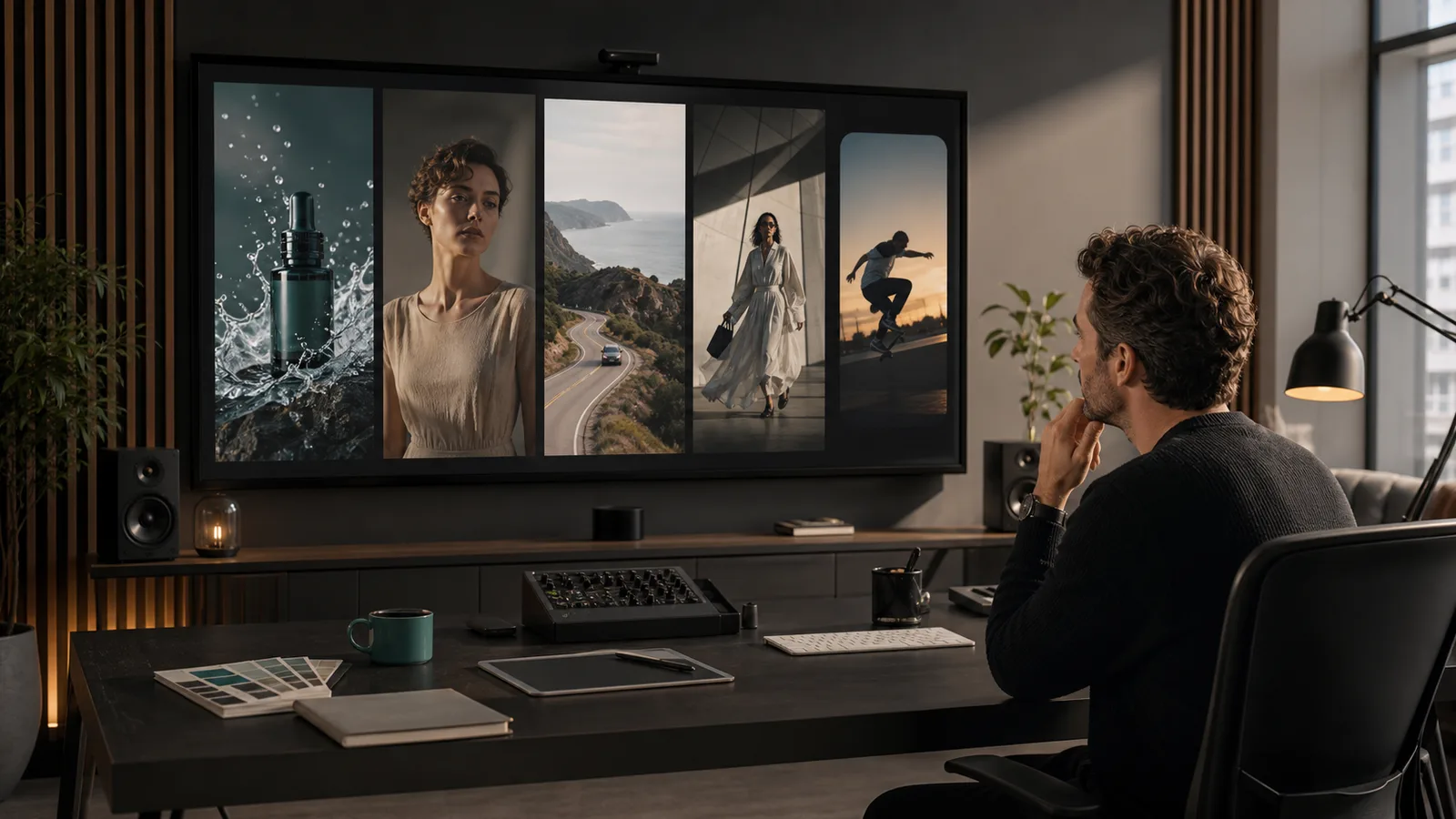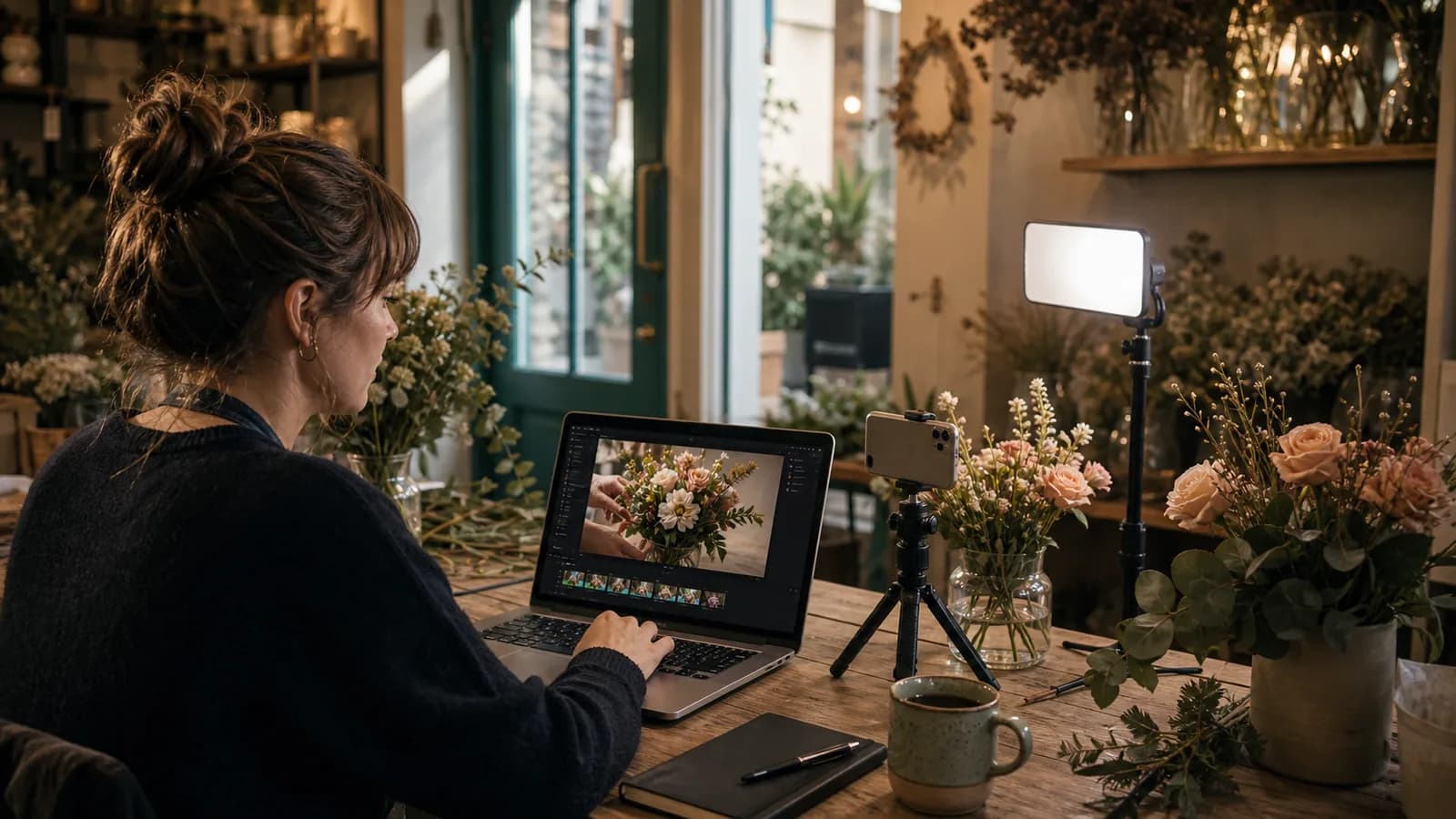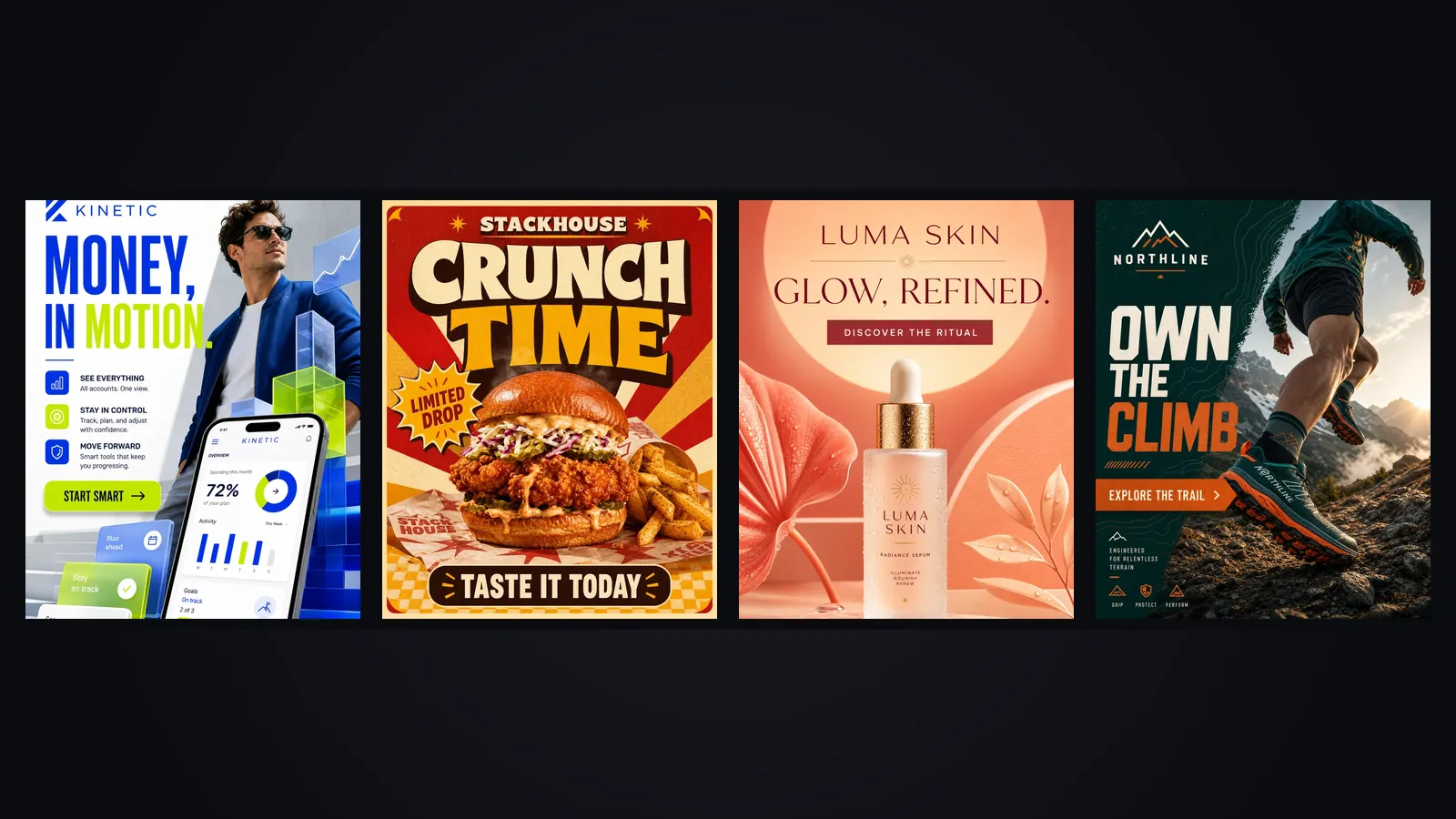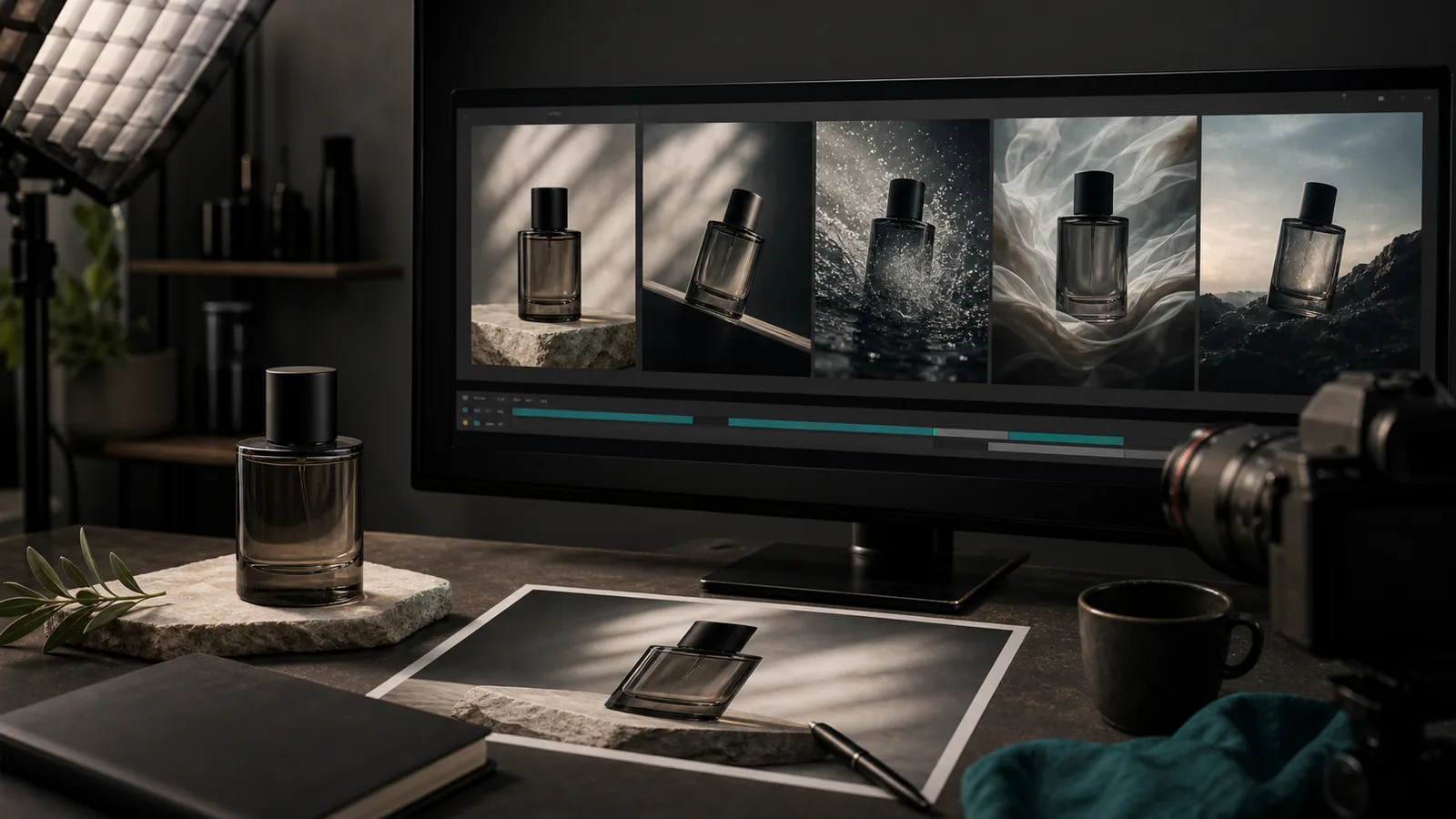
Image-to-video keeps the product in charge
A text-to-video model invents the product from your description. An image-to-video model starts from your photograph and adds motion to it. For an ad, that difference decides whether the bottle in the video is the bottle on your shelf.
If you are building videos from an idea and a script, our small-business text-to-video playbook covers that route. This article assumes you already have product photos and want to turn them into short video ads without a shoot.
When to choose image-to-video and when not to
- Use image-to-video when the product's look is fixed: packaged goods, cosmetics, jewelry, tools, anything with a label.
- Use text-to-video when the concept matters more than the object: a mood clip, a setting, a service you cannot photograph.
- Combine them when you need both: generate a scene, then bring the product in from a photograph.
A quick way to decide is to ask what the viewer must recognize. If they must recognize your exact bottle on a shelf, start from the photo. If they must recognize a feeling, a written prompt is faster and cheaper to iterate.
Products with fine print, complex logos or exact color requirements sit at the demanding end. They still work, but they need more review and shorter clips.
Prepare the source photo
The model can only work with what the photo contains, so the input matters more than the prompt. Spend ten minutes here and every later step gets easier.
A source photo checklist
- Resolution: at least 2000 pixels on the long side, sharp at 100% zoom, with no compression artifacts around edges.
- Background: clean and uncluttered. A plain surface or a simple cutout gives the model less to misread.
- Light: even and soft, without hard glare on glass or metal, because glare tends to flicker once the clip moves.
- Label: facing the camera, fully visible and in focus, since the label is what viewers will read.
- Room to move: leave empty space around the product so a push-in or an orbit does not crop it.
Shoot or select three angles per product: front, three-quarter and a detail shot such as a cap or texture. Different motion types suit different angles, and you will need the options.
Four kinds of motion and when to use them
- Orbit. The camera circles the product. It suits bottles, jars and anything with a shape worth showing, and it is the motion most likely to expose a wrong back label.
- Push-in. A slow move toward the product or a detail. It is the safest option, because the product barely changes while the frame does.
- Reveal. A cloth pulls away, a hand enters, light sweeps across. It creates a beat and works well for launches.
- In-context lifestyle. The product sits in a scene, such as a candle on a windowsill with steam from a mug beside it. It carries the most risk and the most emotion.
Sample motion prompts
- Orbit: Camera circles the jar a quarter turn to the right over five seconds at a steady speed. The jar stays upright and unchanged. Soft daylight, plain background.
- Reveal: A linen cloth slides off the bottle from left to right, revealing it. The bottle does not move. Light warms slightly as the cloth clears.
- Lifestyle: The candle stays lit on a wooden windowsill, the flame flickers gently, curtains move slightly in the breeze behind it. The camera holds still.
Start with a push-in on your hero product. Once it works, add an orbit or a reveal. Save lifestyle scenes for products where the setting sells the feeling, like candles, skincare or coffee.
Write the motion prompt
Describe motion, not the product. The photo already shows the product, so a prompt that re-describes it invites the model to redraw it. Say what moves, how fast, and what stays still. Give durations and distances where you can, such as "about 15 percent closer over six seconds," because numbers steer motion better than adjectives like "slow" or "smooth" on their own.
Weak prompt: A beautiful luxury perfume bottle, elegant, premium, cinematic. That describes a mood and hands the model no instructions.
Stronger prompt: Slow push-in on the bottle, camera moves about 15 percent closer over six seconds. The bottle, cap and label stay perfectly still and unchanged. Soft light shifts across the stone plinth from left to right. Quiet ambient tone, no text.
Notice the phrase about the label. Telling the model what must stay unchanged is as useful as telling it what should move. Veo 3.1, for one, accepts up to three reference images, which gives you another way to anchor the product's appearance when a single photo is not enough.
A worked example: Northfield Candle Co.
Northfield Candle Co. sells six hand-poured candles with cream labels and a small black wordmark. The owner has a budget of roughly 60 dollars and wants five vertical ads for the autumn range.
- She photographs each candle at 3000 pixels, front and three-quarter, against a plain linen backdrop.
- She generates a six-second push-in for each, with the label locked in the prompt.
- Two candles get a reveal instead: a hand strikes a match and light spreads across the wax.
- She compares the label in every clip with the original photo, frame by frame at the start, middle and end.
- Three clips pass. Two show a slightly warped wordmark by the fifth second, so she trims them to four seconds and adds the wordmark back as an overlay.
The lesson is that a clip does not need to be perfect end to end. It needs to be accurate for as long as it plays.
She also keeps a simple log: candle name, motion type, number of takes, pass or fail. After the first batch the log shows that push-ins pass on the first or second take, while orbits average three. That tells her where to spend the next batch of attempts, and it gives a freelancer or a colleague a starting point if someone else takes over the routine.
Keep labels, logos and colors accurate
For a brand, accuracy is the whole job. Small printed type is the first thing to drift, followed by logo geometry and then color.
- Labels and logos: keep the clip short, compare frames against the original, and add the logo as an overlay in your editor if the generated one wobbles. Our guide to brand-consistent image editing covers fixing the still before you animate it.
- Color: check the product against the brand swatch on a phone screen. Warm light can push a cream label toward yellow.
- Proportions: confirm that the product does not grow or shrink during the orbit. A cap that changes width is a common sign of a rejected take.
- Claims: if the video shows a result, such as a stain vanishing, be sure your product delivers it in reality.
Specs for Reels, TikTok and Shorts
All three platforms favor vertical video at 9:16, and 1080 by 1920 is the safe target. Veo 3.1 supports 1080p at 24 frames per second in 9:16, and Kling 3.0 goes up to native 4K if you also need a master file. Keep the important content inside the central area of the frame, because interface buttons and captions cover the edges. Leave roughly the top and bottom sixth of the frame free of anything you need people to read, and export a version with captions burned in for feeds where viewers scroll with the sound off.
Length depends on your goal. Six to ten seconds suits a looping product ad, and slightly longer suits a launch. Statista's 2025 figures put average likes on Instagram Reels at 475 against 377 for standard posts, which is a reason to export every clip in vertical even if you also plan a square feed version.
Some platforms label AI-generated content or ask you to disclose it. TikTok, for example, adds labels automatically to content from its own Symphony Creative Studio, so check each channel's current rules before you schedule.
Review checklist before publishing
- The label text is readable and matches the original photo at the start, middle and end of the clip.
- The logo shape, proportions and color are unchanged, with no more than a trivial shift.
- The product shape holds during the whole move, and no extra objects appeared.
- The motion is smooth and slow enough to read on a phone, with no flicker on glass or metal.
- The first second shows the product clearly, since that is where the scroll decision happens.
- The caption claim matches what the video shows, and any required disclosure is in place.
If two or more items fail, regenerate with a shorter clip or a simpler motion instead of patching. The AI video generator in SEENALYZE AI supports this loop with product photos as the starting point, and the results can flow into AI ad creative for Meta and Google when you are ready to run them as paid placements.
Animate your next product photo
Start from a product image, generate a short vertical clip, and schedule the approved version to Meta, Instagram or TikTok.